🔐 Introduction
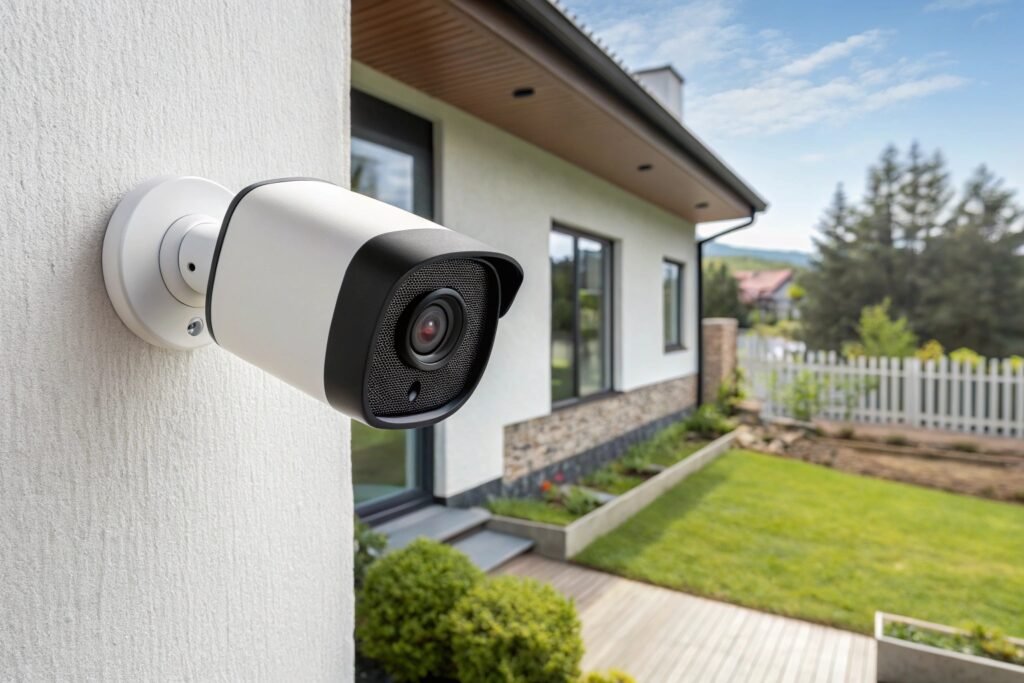
Home is where we feel safest—but in today’s world, just locking your doors isn’t enough. Smart security cameras are like an always-alert watchdog that never sleeps. They let you monitor your home in real-time, keep an eye on packages, deter intruders, and sleep a little easier at night. If you’ve ever wished you could see everything, you’re in the right place. Let’s explore how to make blind spots a thing of the past.
🚨 Why Choose Smart Security Cameras?
📱 Remote Access and Real-Time Monitoring
Imagine you’re at work or on vacation. With smart cameras, you can peek into your living room, front door, or backyard through your phone. Total control, right in your palm.
📩 Smart Alerts and Motion Detection
You don’t need to stare at footage 24/7. Smart cameras send alerts the second they detect something suspicious—motion, people, or even packages.
🏠 Integration with Smart Home Devices
Smart cameras play nicely with Alexa, Google Home, and more. You can control everything from one hub—lights, locks, and surveillance—all working together.
🔍 Key Features to Look For in Smart Cameras
🎥 Resolution and Night Vision
A blurry intruder video isn’t very helpful. Go for at least 1080p HD—and make sure it includes infrared night vision or color night vision for dark areas.
🌀 Field of View: Cover Every Angle
A wider field of view means fewer cameras. Look for lenses with 120° to 160°+ viewing angles to cover more space with fewer blind spots.
💾 Cloud vs Local Storage
Do you want your footage stored online or on an SD card? Cloud storage is convenient but might come with monthly fees. Local storage offers privacy but can fill up fast.
🧠 AI Capabilities (Facial Recognition, Pet Detection)
These days, cameras can distinguish between a burglar and your dog. Some even recognize family members’ faces to reduce false alerts.
🏆 Top 7 Smart Security Cameras for 2025
1. Arlo Pro 5S
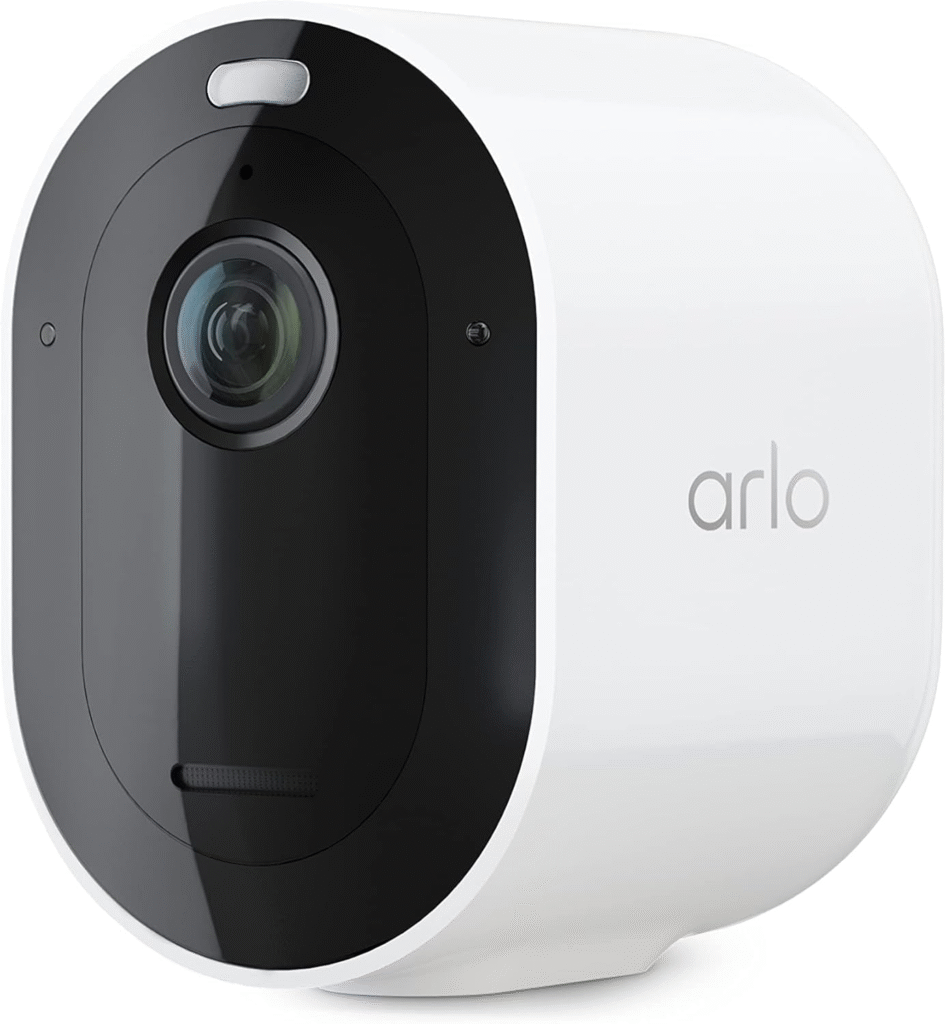
- 2K resolution with color night vision
- AI-powered alerts (people, vehicles, animals)
- Works with Alexa and Google Assistant
- Long battery life and solar charging option
2. Google Nest Cam (Battery)
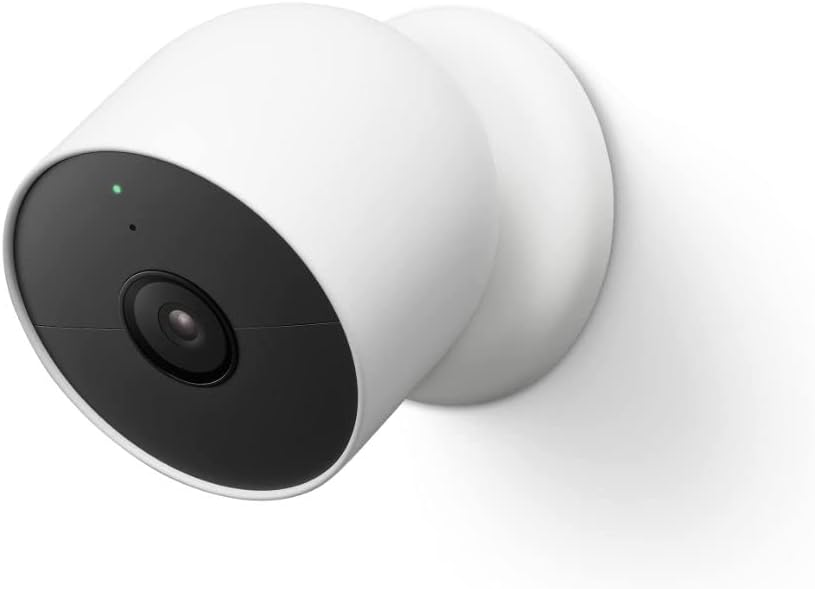
- 1080p HD video with HDR
- Face recognition and familiar face alerts
- 3 hours of free event history
- Sleek design and indoor/outdoor use
3. Ring Stick Up Cam
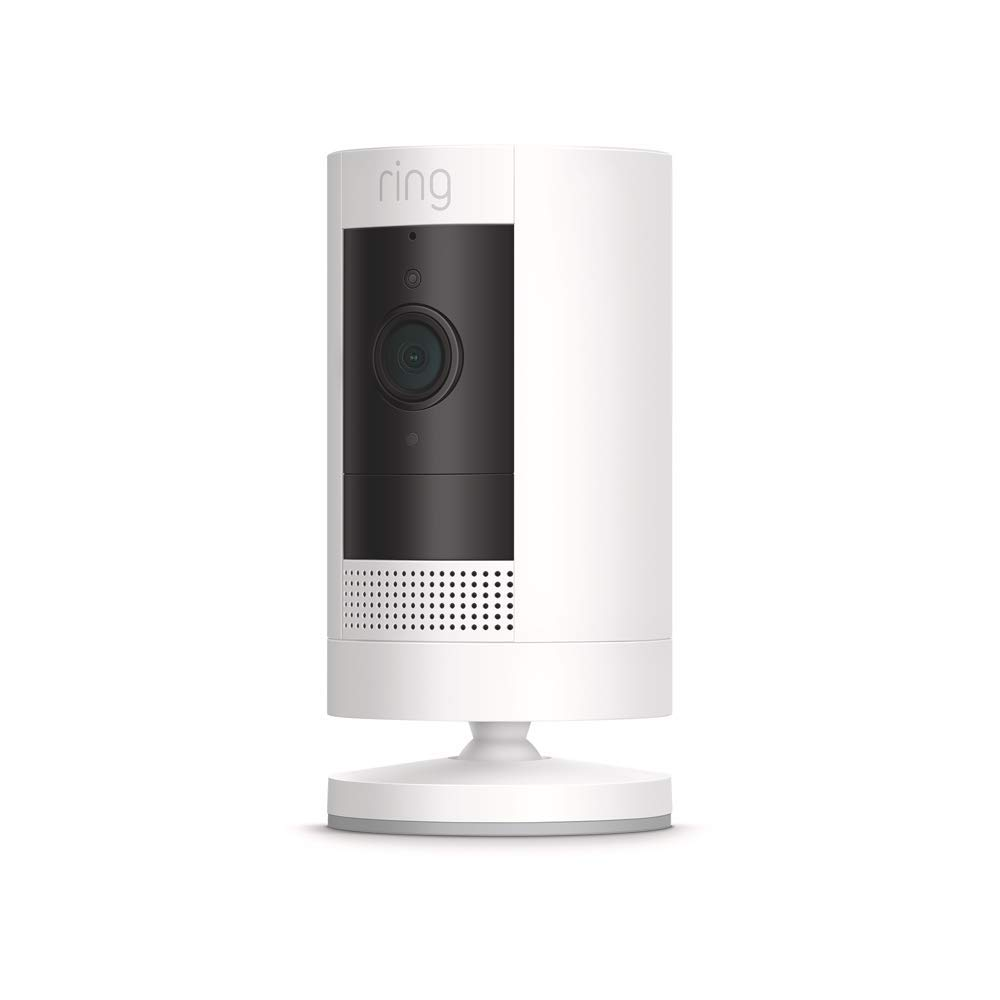
- Real-time alerts via Ring app
- Two-way audio
- Great for renters—super easy to move around
- Optional Ring Protect subscription for full features
4. EufyCam 3
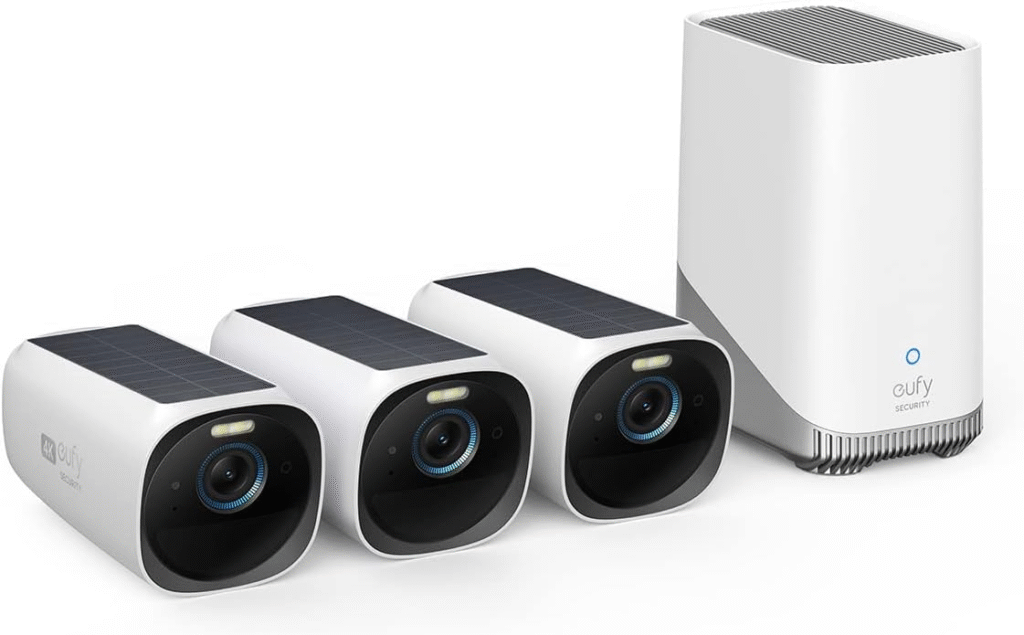
- 4K resolution with built-in AI
- No monthly fee with local storage
- Solar charging available
- Encrypted footage for privacy
5. Wyze Cam v4
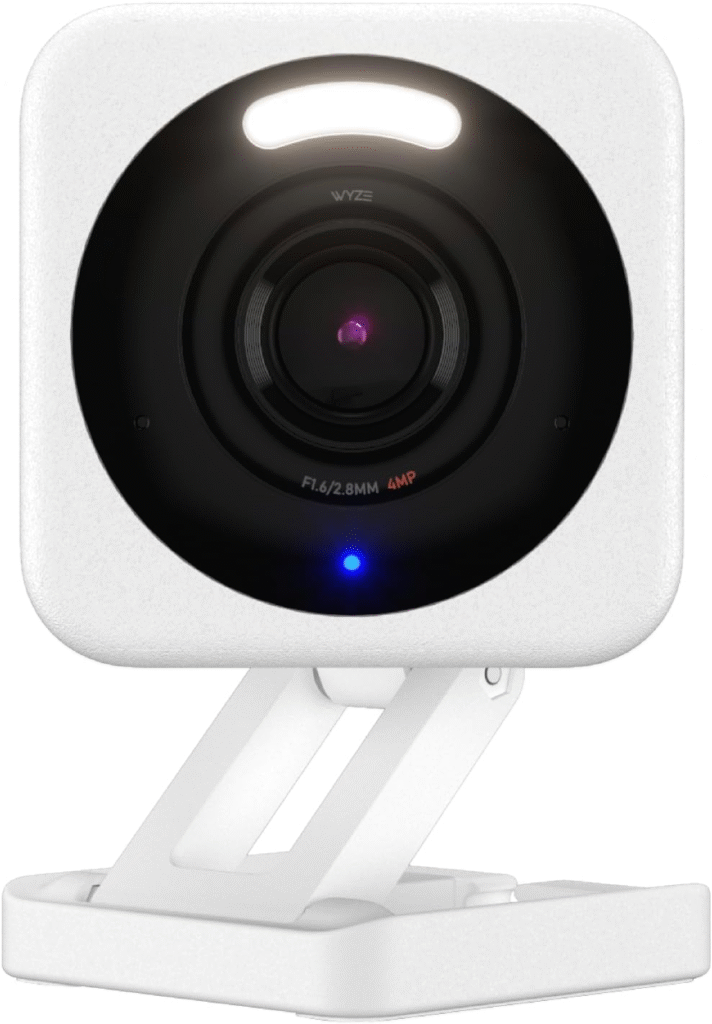
- Budget-friendly, packed with features
- Free 14-day rolling cloud storage
- Color night vision
- Indoor/outdoor capability
6. Blink Outdoor 4
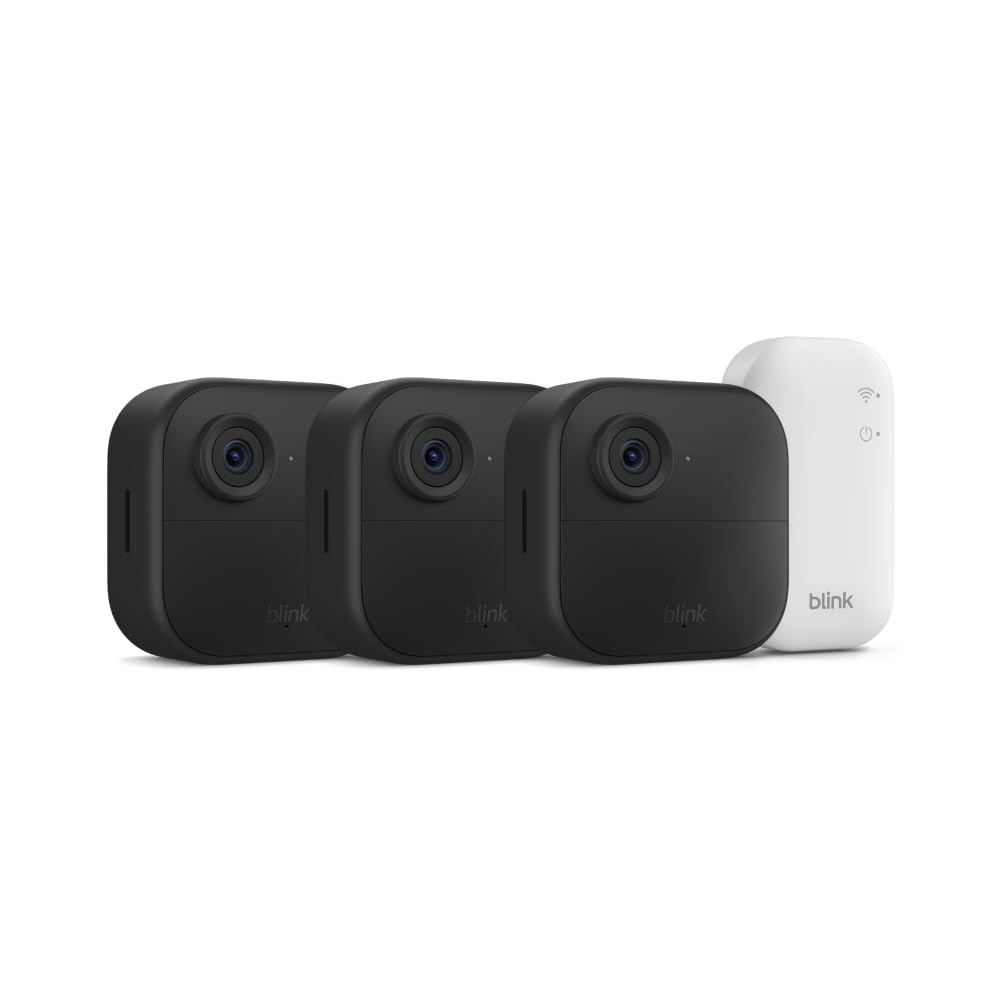
- 2-year battery life
- Custom motion zones
- Works seamlessly with Alexa
- Affordable and compact
7. Reolink Argus 4 Pro
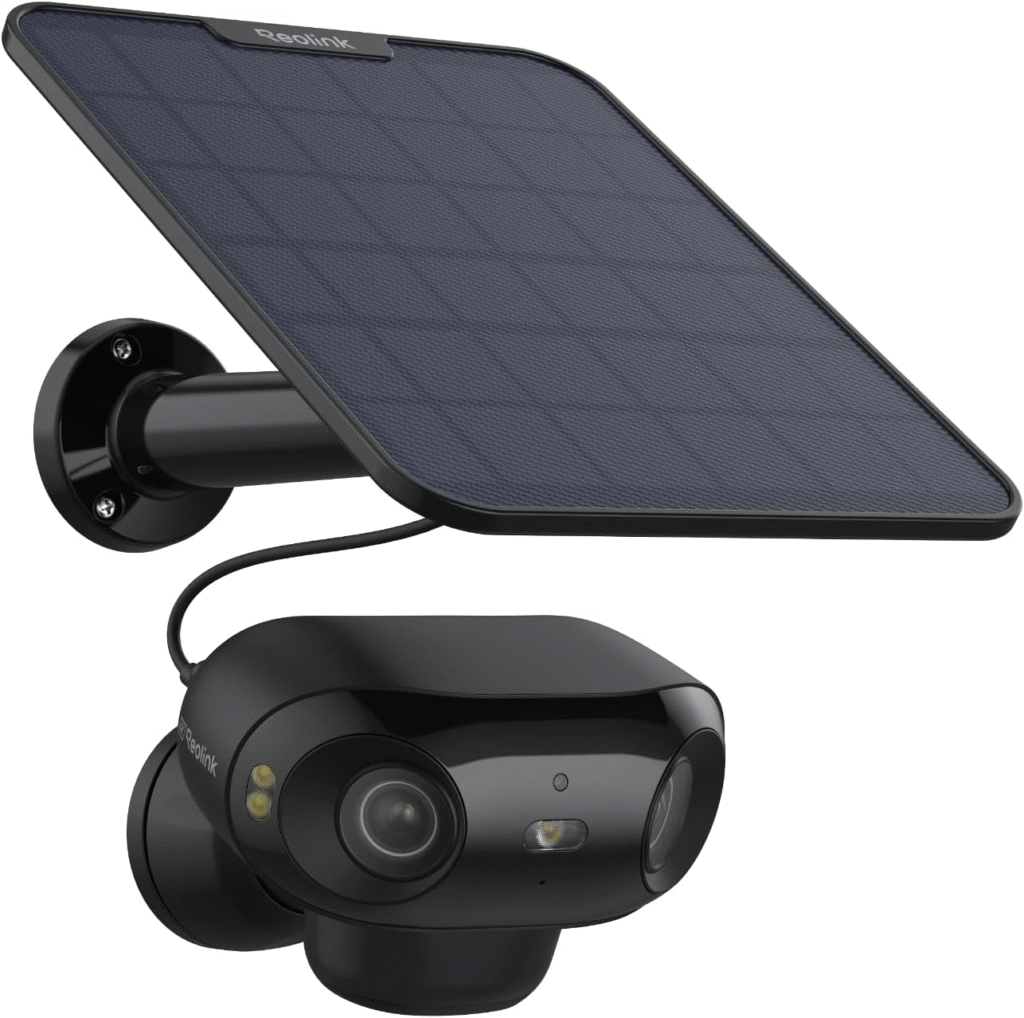
- 180° ultra-wide view
- 4K HDR video quality
- Dual-band Wi-Fi
- Time-lapse recording
🏠 Indoor vs Outdoor Cameras: What’s Best for You?
🧱 Differences in Build and Features
Outdoor cameras are rugged and weatherproof. Indoor cameras are more compact and stylish. Pick based on where you want eyes.
☔ Weatherproofing & Durability
If it’s going outside, make sure it’s rated IP65 or higher—resistant to rain, dust, and heat.
📌 Smart Camera Placement Tips
🚪 Entry Points: Doors & Windows
Since most burglars enter through your front door, start there. Add one near the back door and first-floor windows.
🚗 Driveways, Yards, and Garages
Catch porch pirates, monitor kids playing, or check if you left the garage open—all possible with the right placement.
📐 Avoiding Blind Spots with Multiple Angles
Overlap camera views to avoid dead zones. For maximum coverage, use elevated mounts and corners.
🔒 Privacy and Security Concerns
🔐 Data Encryption and Privacy Settings
Your footage is sensitive. Choose brands with end-to-end encryption and customizable privacy zones.
🚫 Preventing Unauthorized Access
Set up two-factor authentication, use strong passwords, and keep firmware updated. Hackers hate that.
💰 Budget vs Premium Cameras
💡 What You Get for the Price
Premium cameras offer sharper video, better AI, and smarter features. Budget ones are great starters—but may miss advanced perks.
🎯 Best Value Picks
- Best Budget: Wyze Cam v4
- Best Mid-Range: Ring Stick Up Cam
- Best Premium: EufyCam 3
📦 Subscription Plans: Worth It or Not?
🆓 Free vs Paid Features
Some cameras work fine for free. Others lock key features behind a paywall. Know before you buy.
💳 Best Plans from Top Brands
- Ring Protect: Starting $3.99/month
- Nest Aware: $8/month with facial recognition
- Arlo Secure: $7.99/month for 30-day cloud history
🤖 Integrating Cameras with Smart Home Systems
🗣️ Alexa, Google Assistant, Apple HomeKit
Want to say, “Alexa, show me the backyard”? Make sure your camera works with your assistant of choice.
💡 Automation Ideas (Lights, Alarms)
Trigger smart lights when motion is detected. Or sound an alarm if a stranger approaches—automation magic.
🛠️ DIY vs Professional Installation
🔧 Ease of Setup
Most smart cameras are plug-and-play. You can mount them in minutes with a screwdriver and your phone.
👷 When to Call a Pro
Need wires run through walls? Want to integrate multiple devices? Time to call in the experts.
🔄 How Often Should You Update Your Cameras?
🔁 Software and Firmware Importance
Updates fix bugs and add features. Don’t skip them—think of it like brushing your teeth, but for your camera.
🆕 Signs You Need an Upgrade
- Outdated resolution
- Missing modern features
- No longer receiving updates
✅ Final Thoughts: Choosing the Right Smart Camera for You
Control, convenience, and peace of mind are provided by smart security cameras. Whether you’re after crystal-clear footage, smart alerts, or full-home integration, there’s something for every need and budget. Don’t let blind spots leave you vulnerable—light up every corner of your home with smart surveillance.
❓FAQs
1. Can I use a smart security camera without Wi-Fi?
Some offer local recording, but most features (alerts, remote access) require Wi-Fi.
2. Are smart cameras safe from hackers?
Yes—if you use encrypted models and secure your passwords with two-factor authentication.
3. For complete home coverage, how many cameras are required?
It depends on your home’s size, but typically 3–6 cameras cover main entry points, hallways, and outdoor areas.
4. Do smart cameras work during power outages?
Battery-powered models or those with backup power continue recording even if the power’s out.
5. Will smart cameras notify me instantly of intrusions?
Yes! When motion is detected, the majority instantly send push notifications, SMS alerts, or emails.